
Google Business Profile for Chiropractors: The Complete Optimization Guide for 2026
Quick Answer
Your Google Business Profile is the first thing a new patient sees when searching for a chiropractor. Here's exactly how to optimize it to win the Map Pack and fill your schedule.
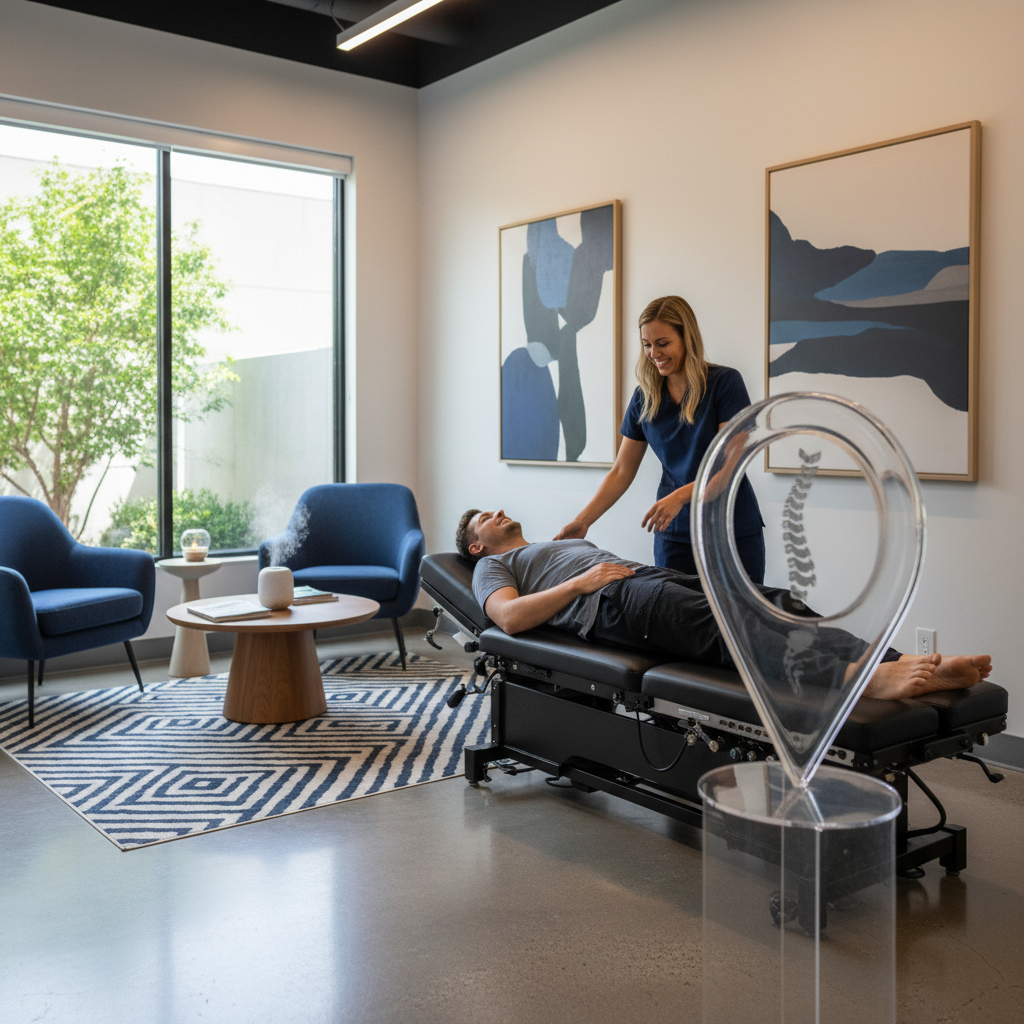
When a patient searches 'chiropractor near me,' the Google Maps 3-pack is what they see first - before your website, before your social media, before any other marketing you've done. Those three listings capture nearly half of all clicks on the page. Your Google Business Profile determines whether you're one of them.
Most chiropractic practices set up their GBP when they opened and haven't touched it since. The practices that consistently fill their schedule treat it as a living asset - updated weekly, photos added regularly, reviews managed actively. Here's exactly how to build that.
Category Selection: The Foundation of Your GBP Ranking
Your primary category is the single most important ranking factor in your GBP. For most chiropractic practices, that's 'Chiropractor.' If you offer additional services, secondary categories expand your search footprint: 'Sports Medicine Clinic' if you treat athletes, 'Physical Therapist' if you offer PT, 'Pain Management Physician' if that's a primary focus area.
Each additional qualifying category is an additional set of searches where your listing can appear. Don't add categories you don't genuinely qualify for - Google can suspend listings for category misuse - but do add every relevant one you do.
Your Business Description: Answer the Patient's Three Questions
In 750 characters, your description should answer: What conditions do you treat? Who is your ideal patient? Why should they trust you? Name your primary conditions (back pain, neck pain, sciatica, sports injuries), your patient types (families, athletes, seniors, auto accident patients), and a specific differentiator (years in practice, specialized techniques, same-day availability).
Services and Conditions: Be Specific
Your services section is where you list everything you treat and every technique you use. Don't just list 'chiropractic adjustments' - list spinal manipulation, decompression therapy, soft tissue treatment, dry needling (if applicable), Webster technique (if you treat prenatal patients), sports chiropractic, and every condition you treat. Each service listing adds semantic relevance for those specific searches.
Photos: Build Trust Before the Call
Chiropractic is a personal, trust-dependent service. Photos matter more here than in most local categories because a patient is deciding whether to trust you with their body before they've met you. Prioritize: professional headshots of each practitioner (warm and approachable, not clinical and distant), team photos showing a welcoming environment, clean and professional office photos, and any equipment or technology that signals capability.
Add 2-3 new photos per week. Google's algorithm weights listing freshness, and consistent photo uploads drive the engagement signals that improve your Map Pack ranking.
Google Posts for Chiropractic Practices
Post at minimum once per week. Post types that work well for chiropractic: condition education ('Did you know chiropractic care can reduce migraine frequency? Here's what the research shows'), patient wins (anonymized and HIPAA-compliant: 'A patient came to us barely able to sit at his desk. After 8 sessions, he ran his first 5K last weekend'), seasonal content ('Back-to-school season means new backpacks - here's how to protect your child's spine'), and availability posts ('We have same-day appointments available this week - call to book').
The Q&A Section: Pre-Populate With Patient Questions
Ask and answer your own Q&A questions. 'Do you accept insurance?' 'Do you offer same-day appointments?' 'What conditions do you treat?' 'Is chiropractic safe for children?' 'What should I expect on my first visit?' Pre-populating these removes friction for hesitant patients and adds keyword-rich text associated with your listing.
Review Management: The Trust Signal New Patients Rely On
Respond to every review within 24 hours. For positive reviews: be specific, mention the patient's result or experience (without violating HIPAA), and be warm. For negative reviews: never argue, acknowledge the experience, and offer to resolve offline. Your responses are the first thing a researching patient reads after the review itself.
Related Reading
Want us to audit your chiropractic GBP and show you exactly what's costing you new patients?
Talk to LeadValets
Keep Reading
Related Articles
SEO vs AEO: How Search and AI Answers Differ
SEO helps pages rank in traditional search results, while answer engine optimization (AEO) helps content surface in direct answers and AI search. Learn how they differ and how Google AI Overviews fit in.
How Long Does SEO Take for Plumbers and HVAC Companies?
SEO timelines vary, but plumbing and HVAC companies can often see early signs of progress within a few months. Learn what influences local SEO results, when leads may follow, and how to set realistic expectations.
How to Get AI to Recommend Your HVAC Company
AI engines are more likely to recommend your HVAC company when they can verify accurate business information and find strong signals of local trust. Maintain consistent listings, earn genuine customer reviews, and publish useful, locally relevant HVAC content.